
Gerber Viewer
View, measure, and inspect PCB layouts directly in your browser. No installation required — just drag and drop your Gerber files to get started.
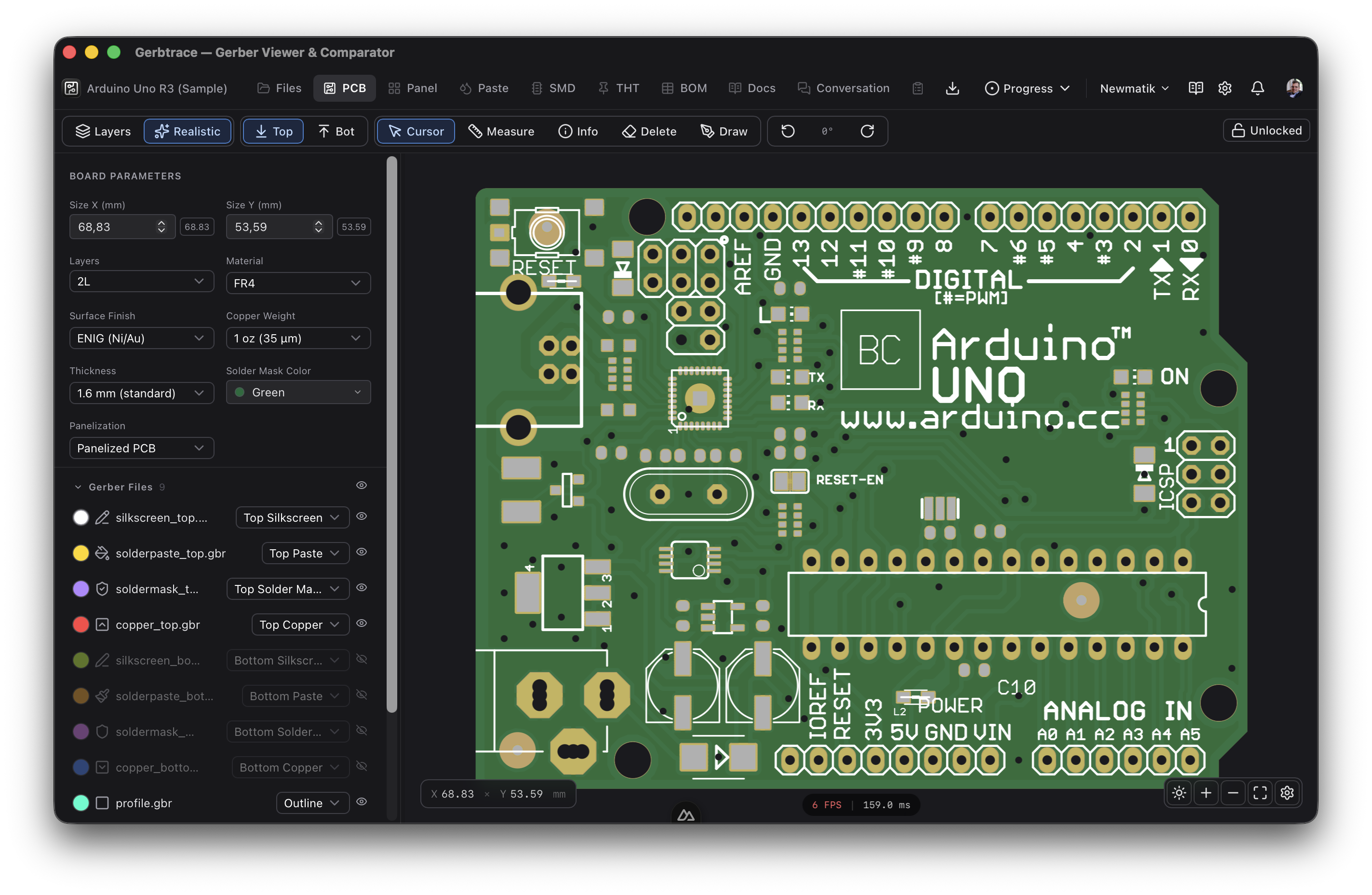
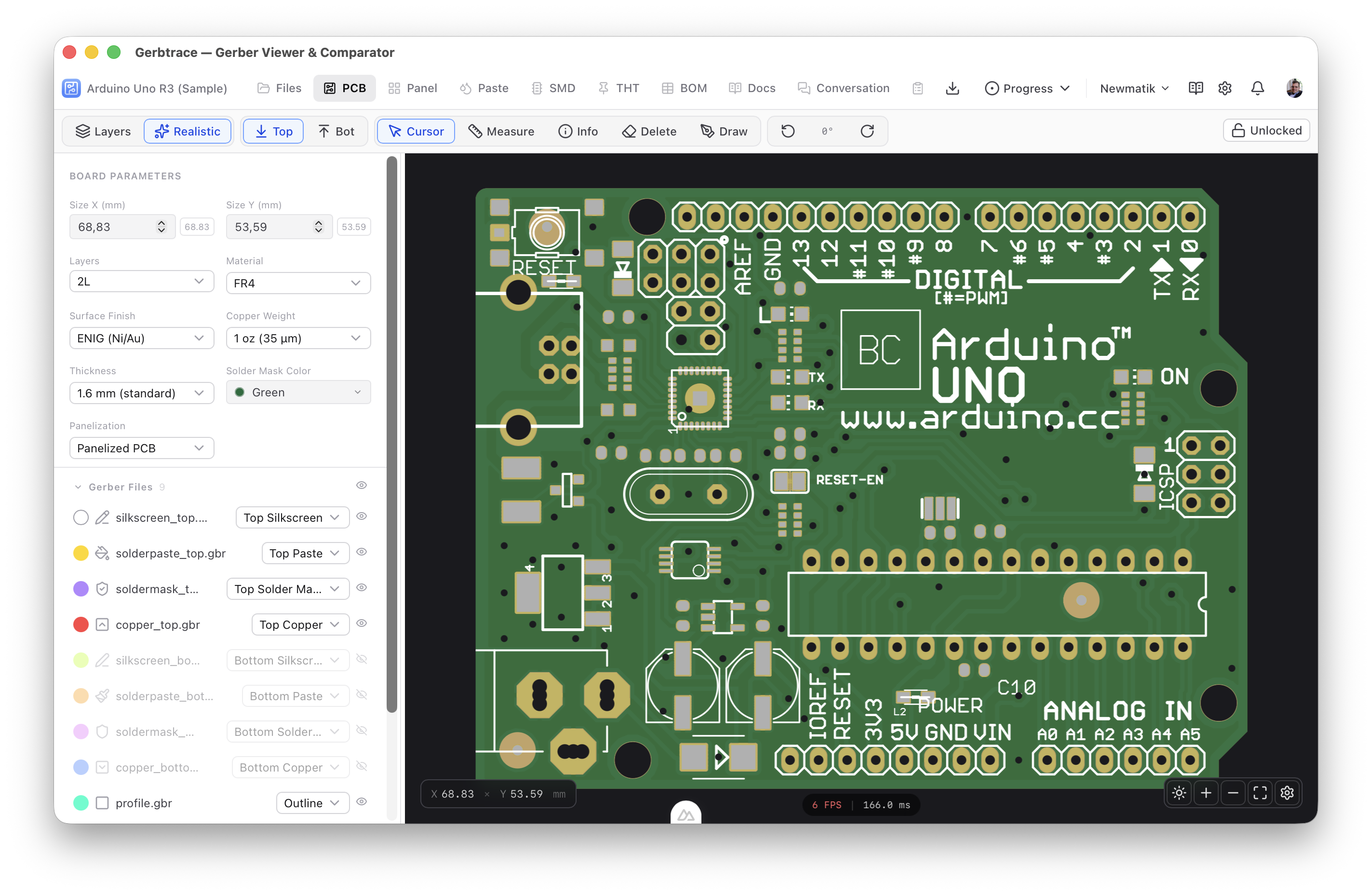
Layer Management
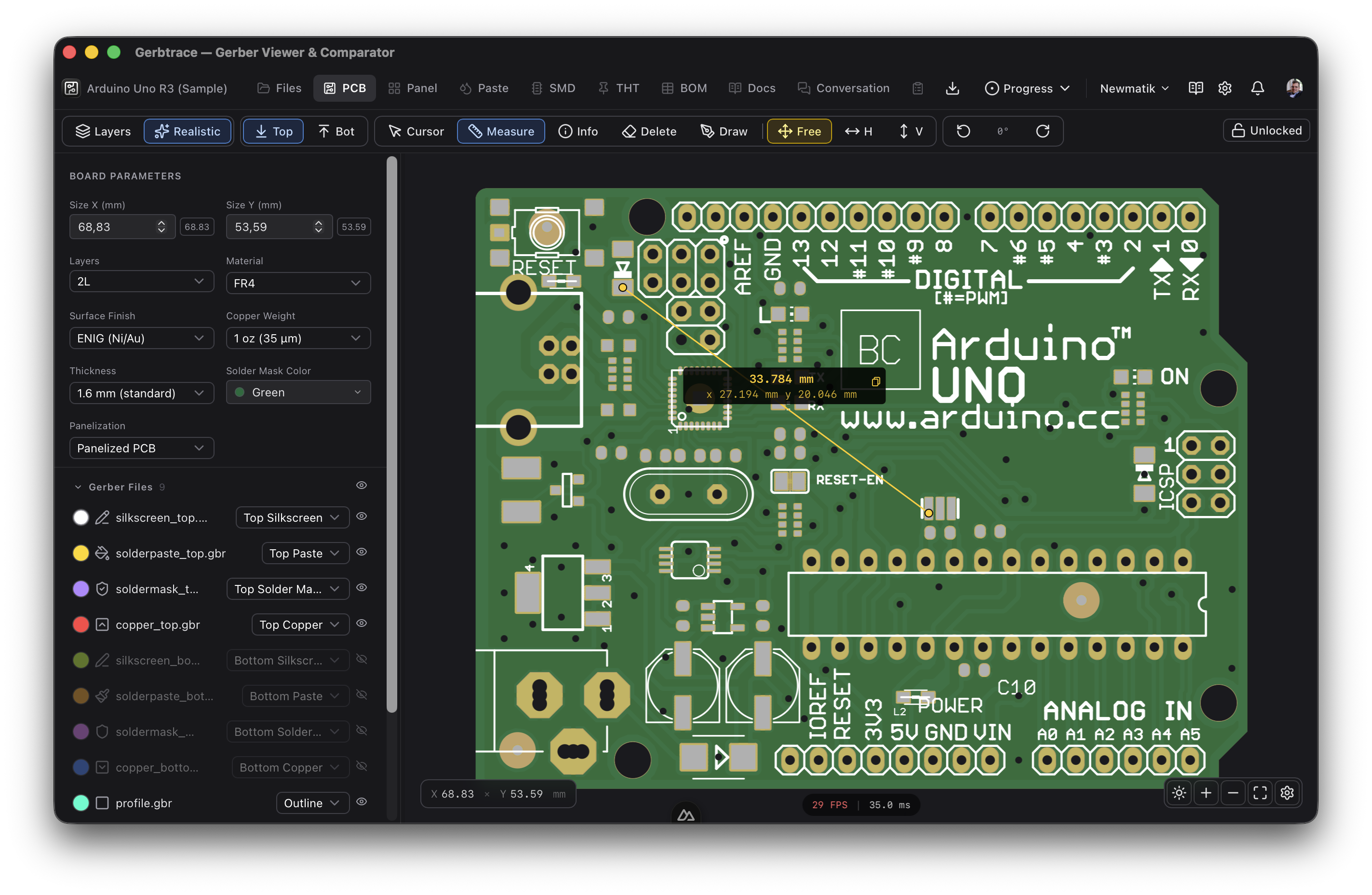
Toggle individual layers on and off, customize colors, and control rendering order. Supports copper, solder mask, silkscreen, paste, and drill layers.
Realistic Rendering
Switch to realistic mode to see your PCB as it will look after manufacturing — complete with solder mask color, surface finish, and silkscreen.
Measurement Tools
Measure distances, inspect pad coordinates, and verify clearances directly on the canvas. Supports metric and imperial units.
Compare Revisions
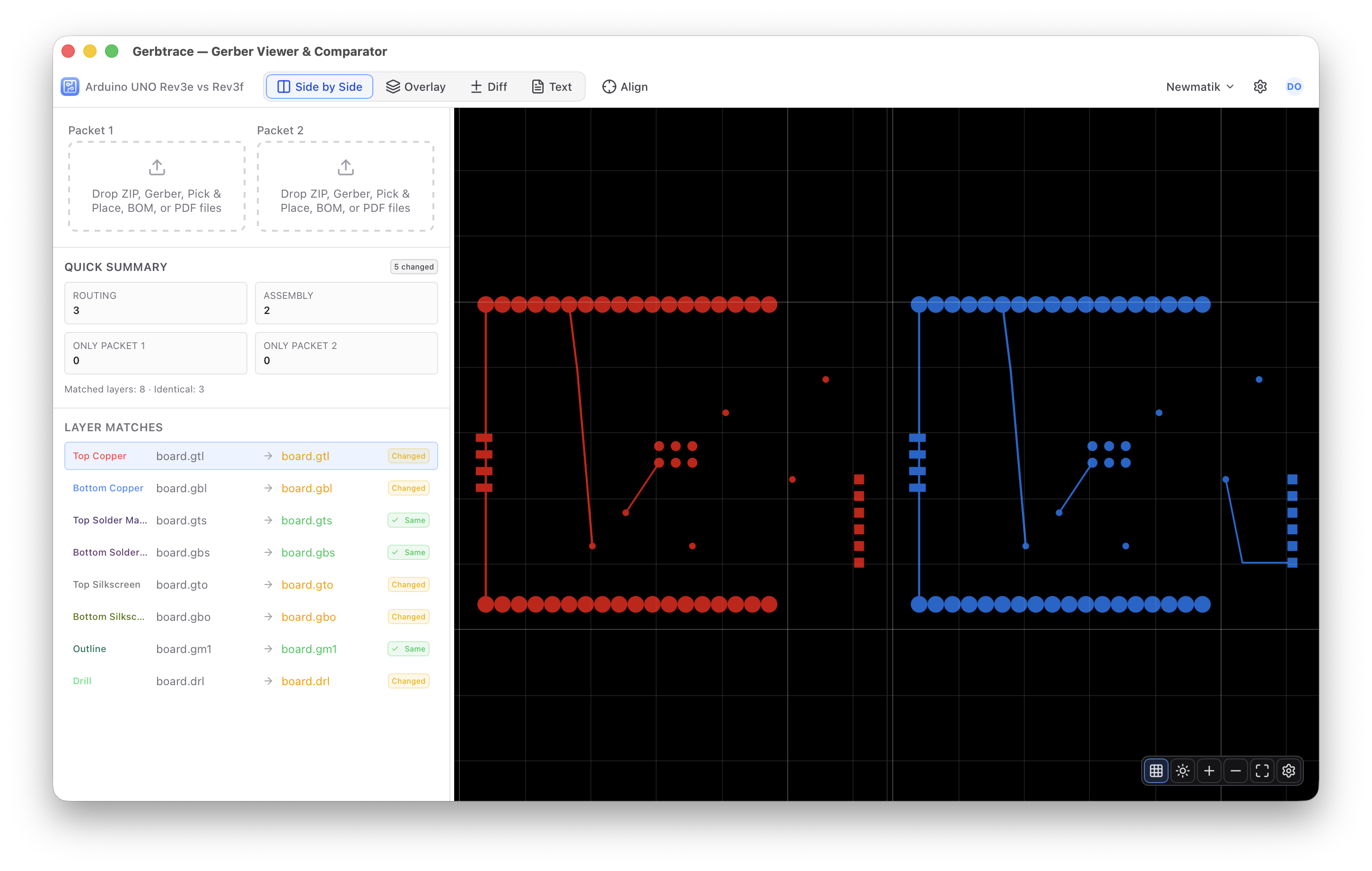
Side-by-side comparison of two Gerber packages with synchronized pan and zoom. Overlay blink mode and pixel diff highlight every change between revisions.
Auto File Detection
Drag and drop a ZIP or individual files. Gerbtrace automatically classifies Gerber, drill, pick and place, BOM, and PDF files by content analysis.
Multi-Format Support
Import Gerber RS-274X, Excellon drill files, pick and place data, BOM spreadsheets, and PDF documents. All standard PCB manufacturing formats supported.
Draw and Annotate
Draw lines, rectangles, and shapes directly on the PCB canvas. Add visual annotations for team reviews and manufacturing notes.
Board Parameters
Configure board dimensions, layers, base material, laminate, copper thicknesses, surface finish, and soldermask. Parameters feed into cost estimation.
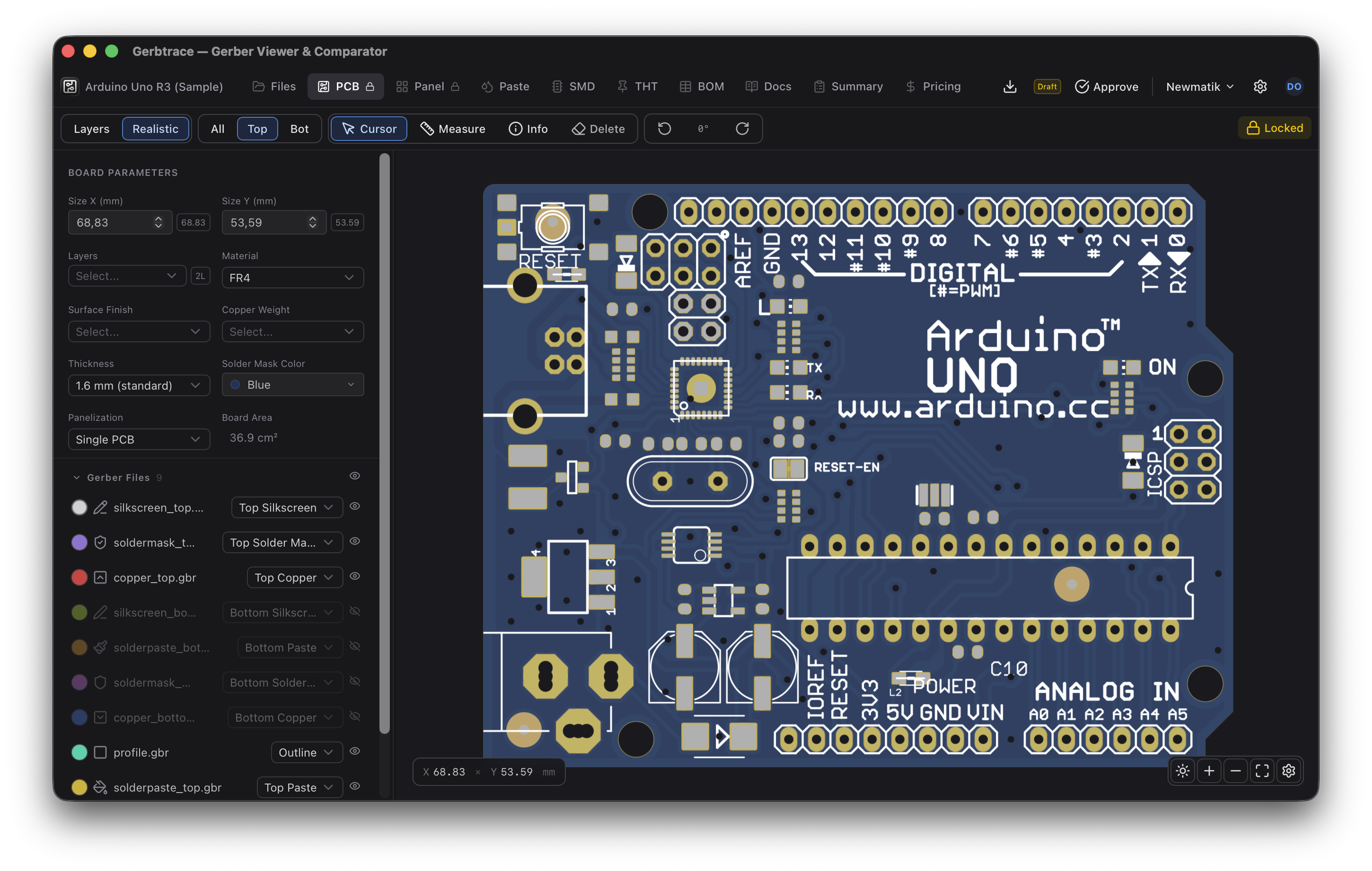
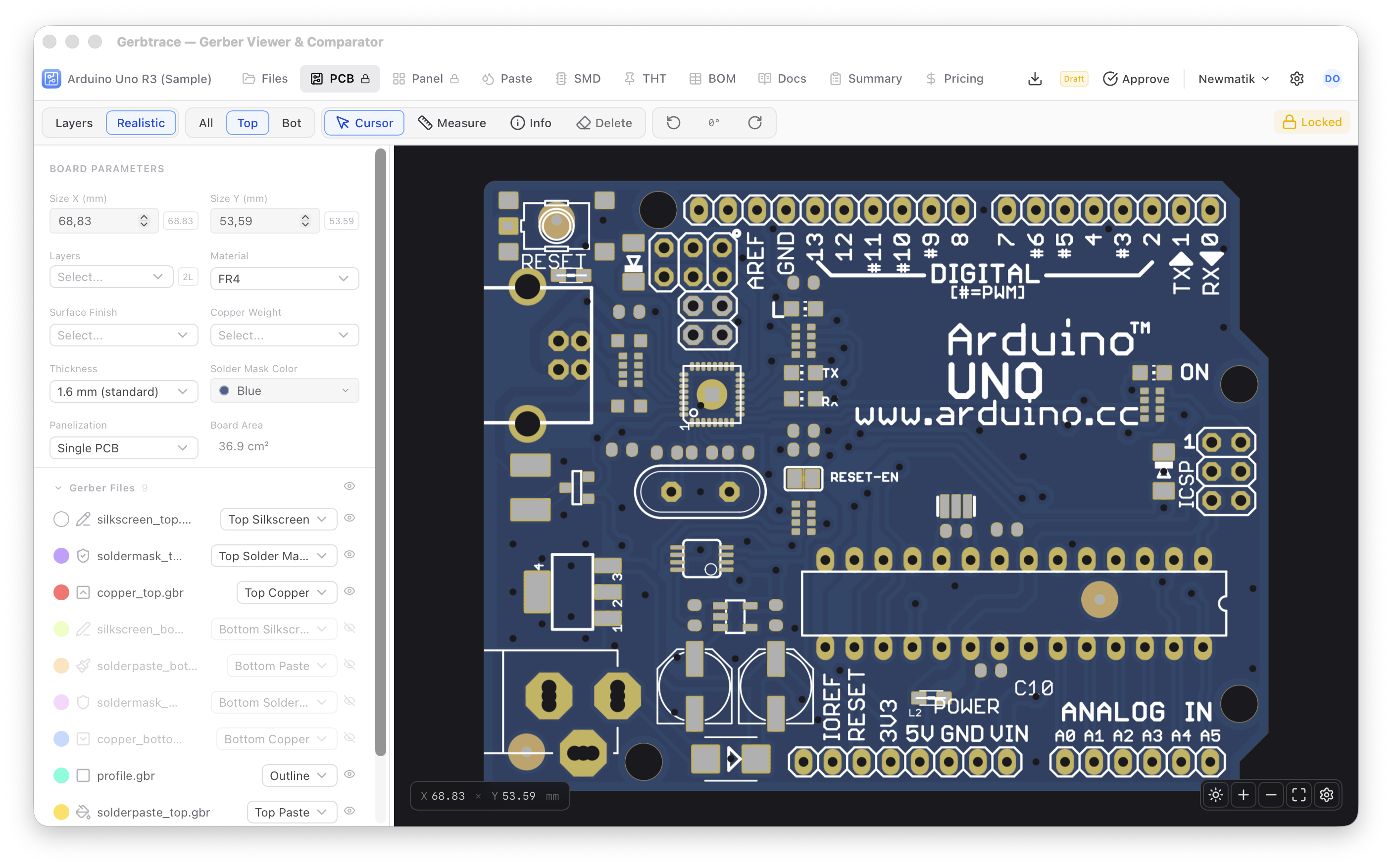
Realistic rendering mode
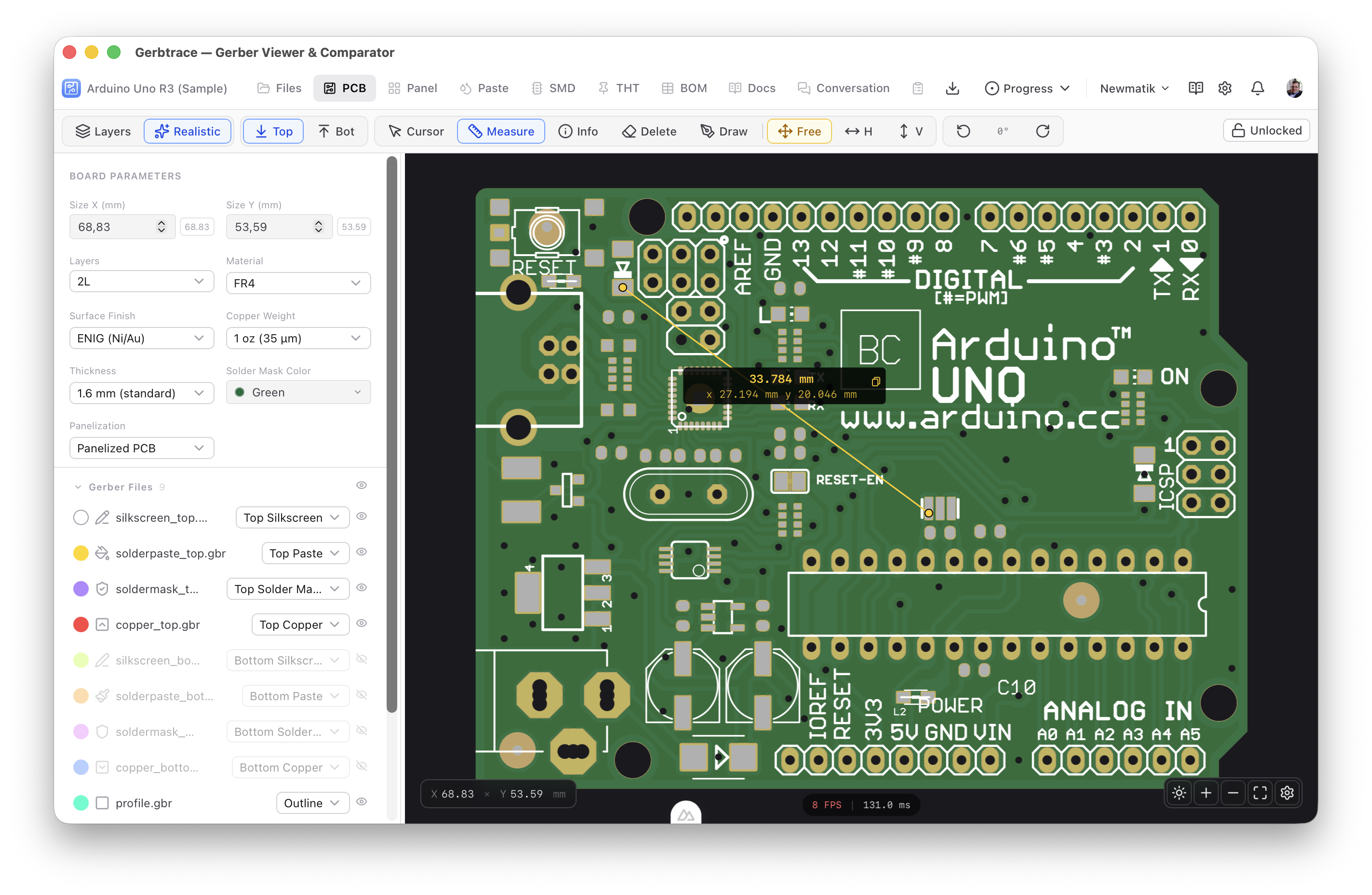
Measurement and inspection tools
Compare Revisions
Side-by-side, overlay, and pixel diff modes to catch every change.
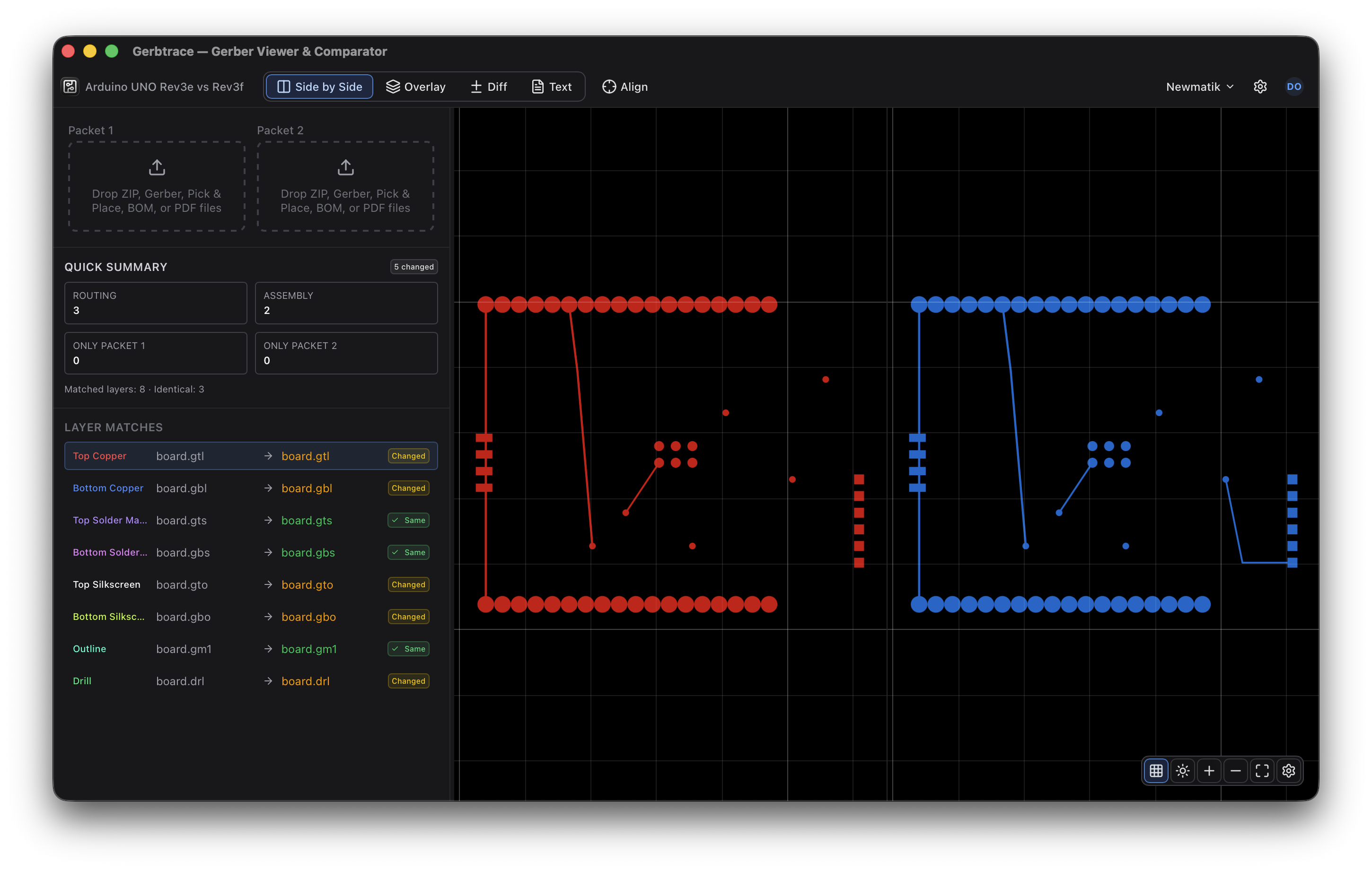
Side-by-side
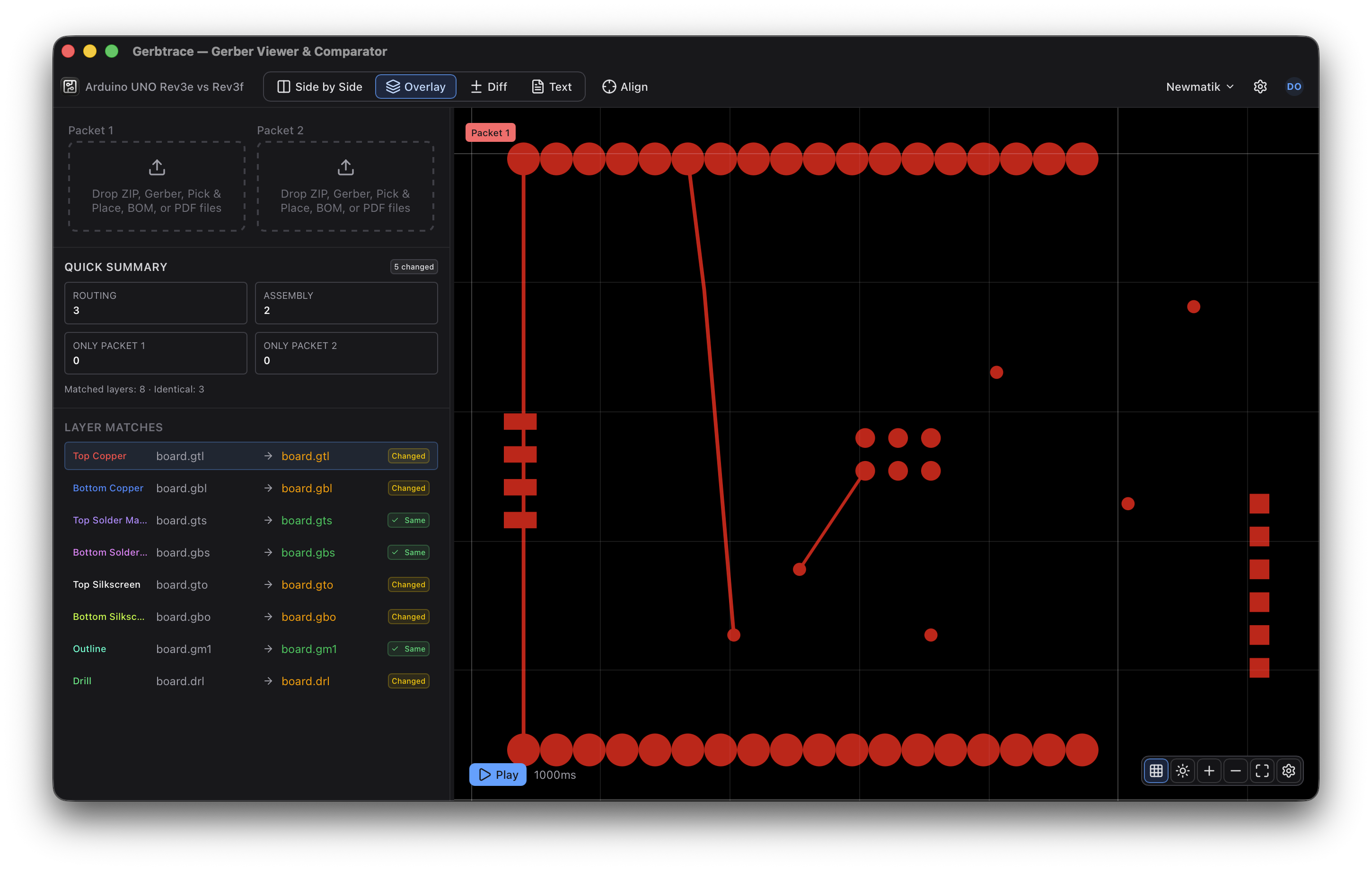
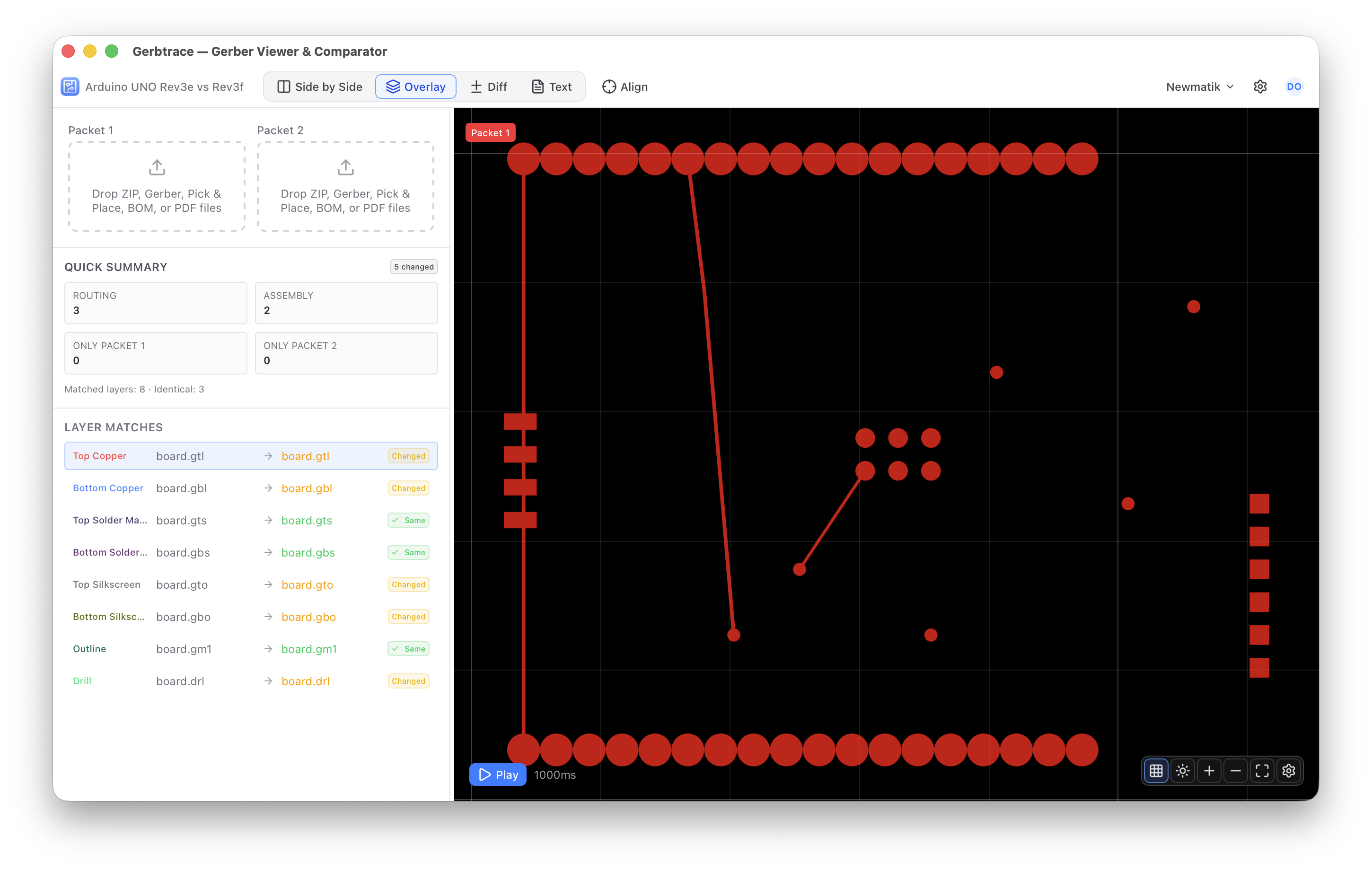
Overlay blink
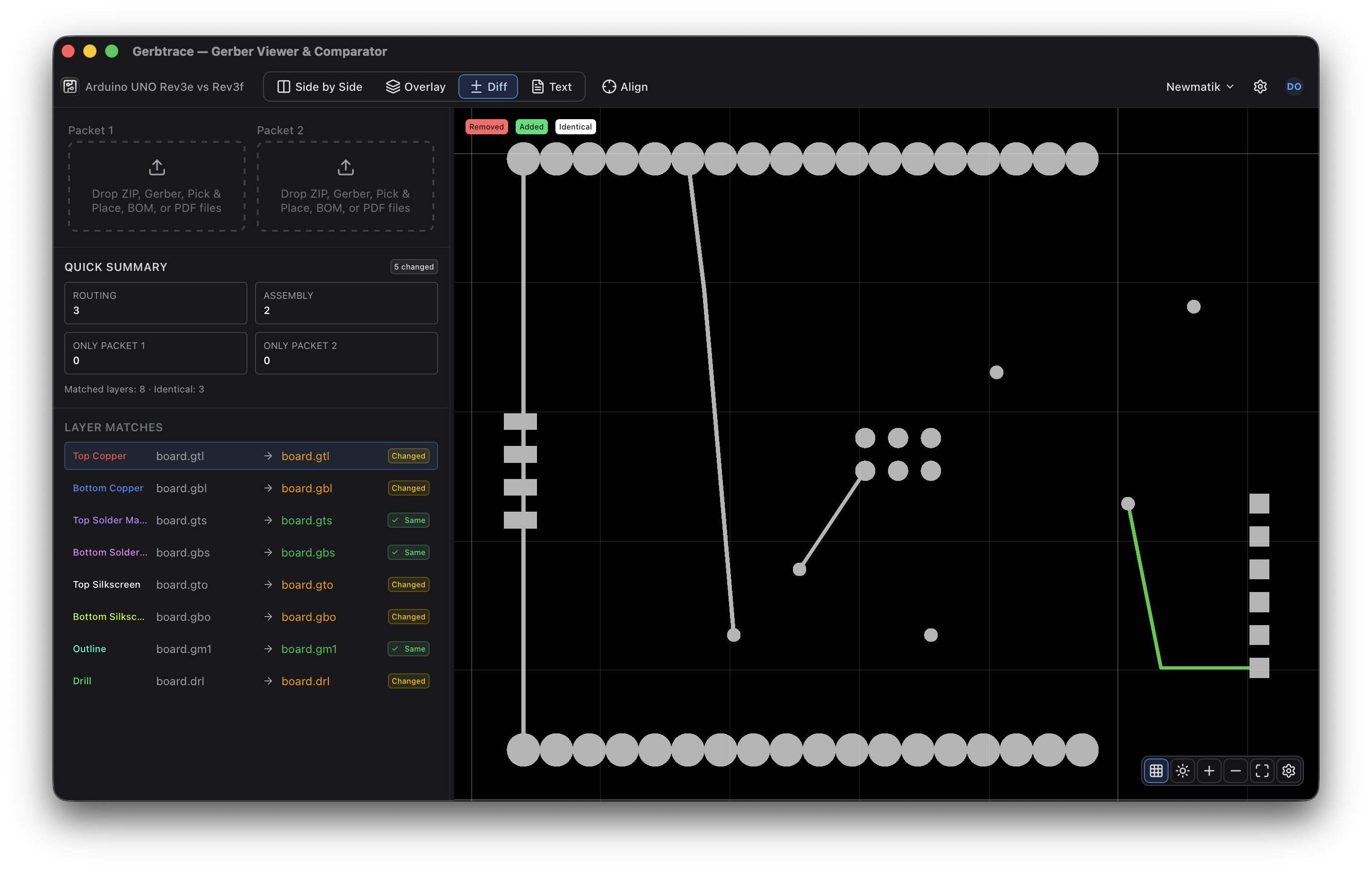
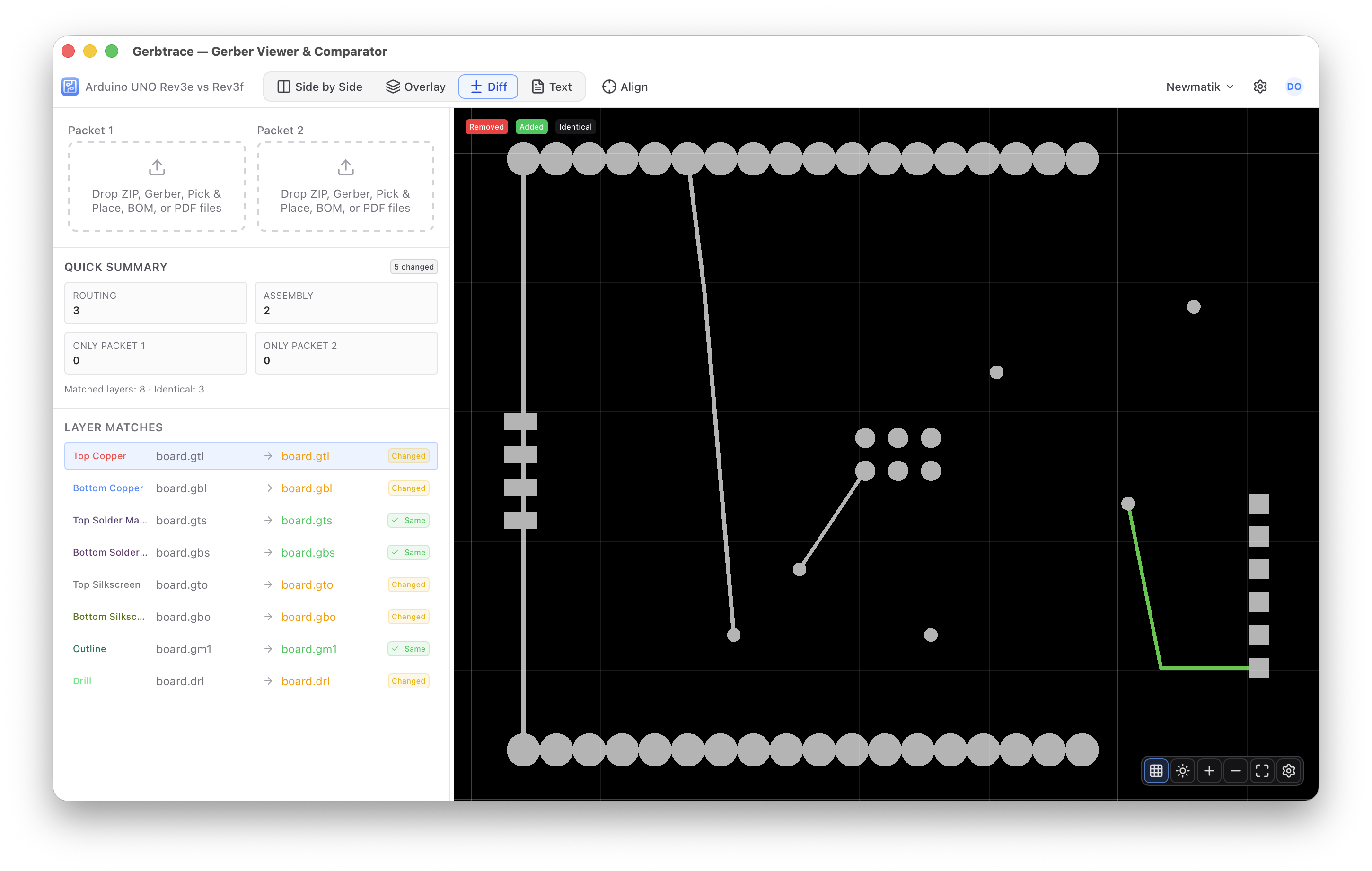
Pixel diff
Supported Formats
Import all standard PCB manufacturing file formats.
Try the Gerber Viewer now
Sign in to create a project, then import your Gerber files or try the sample project.
Open Gerbtrace