
Light & Dark Mode
Gerbtrace supports both dark and light interface themes. The default theme is dark mode. Drag the slider to compare both themes side by side.
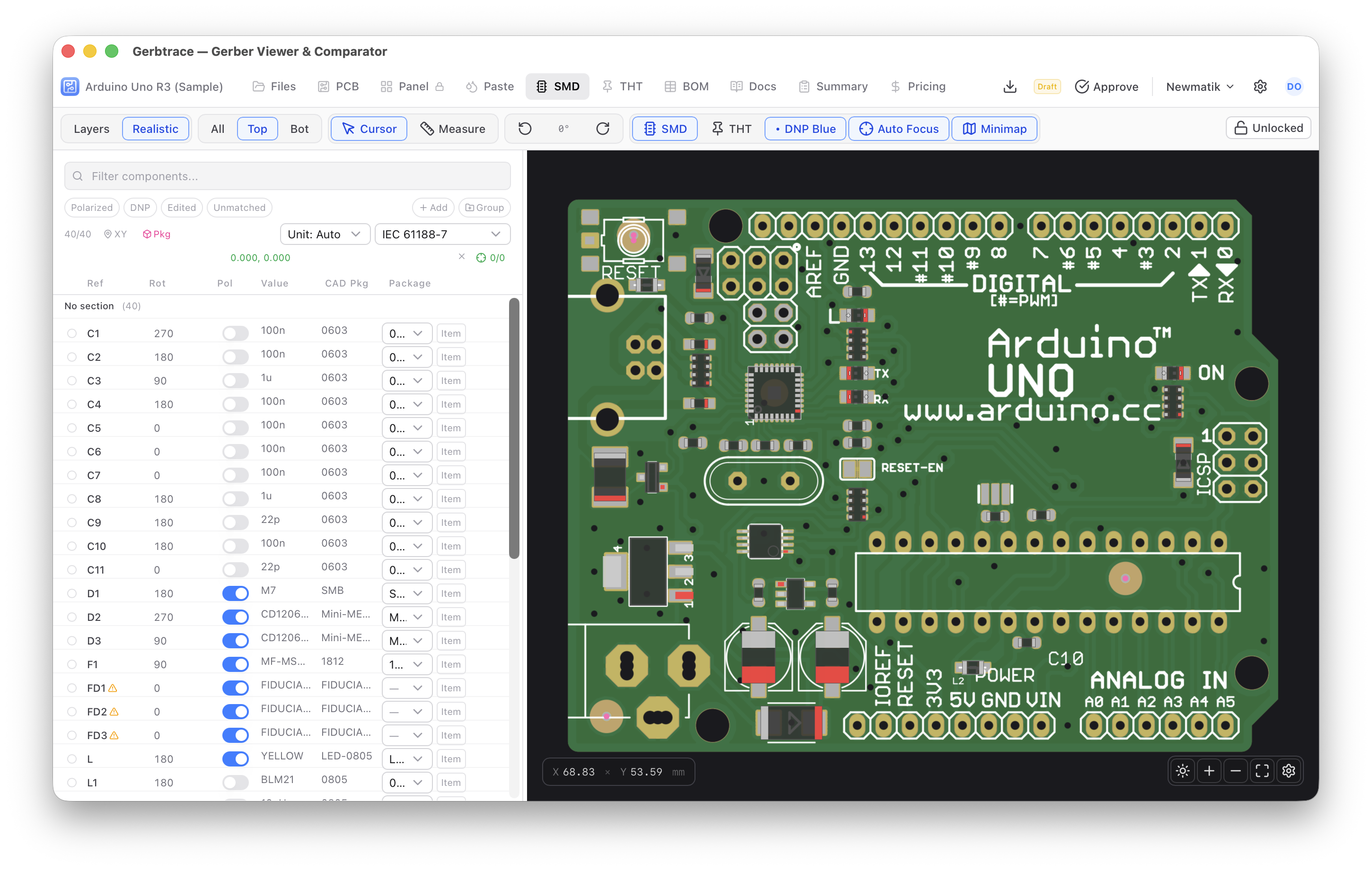
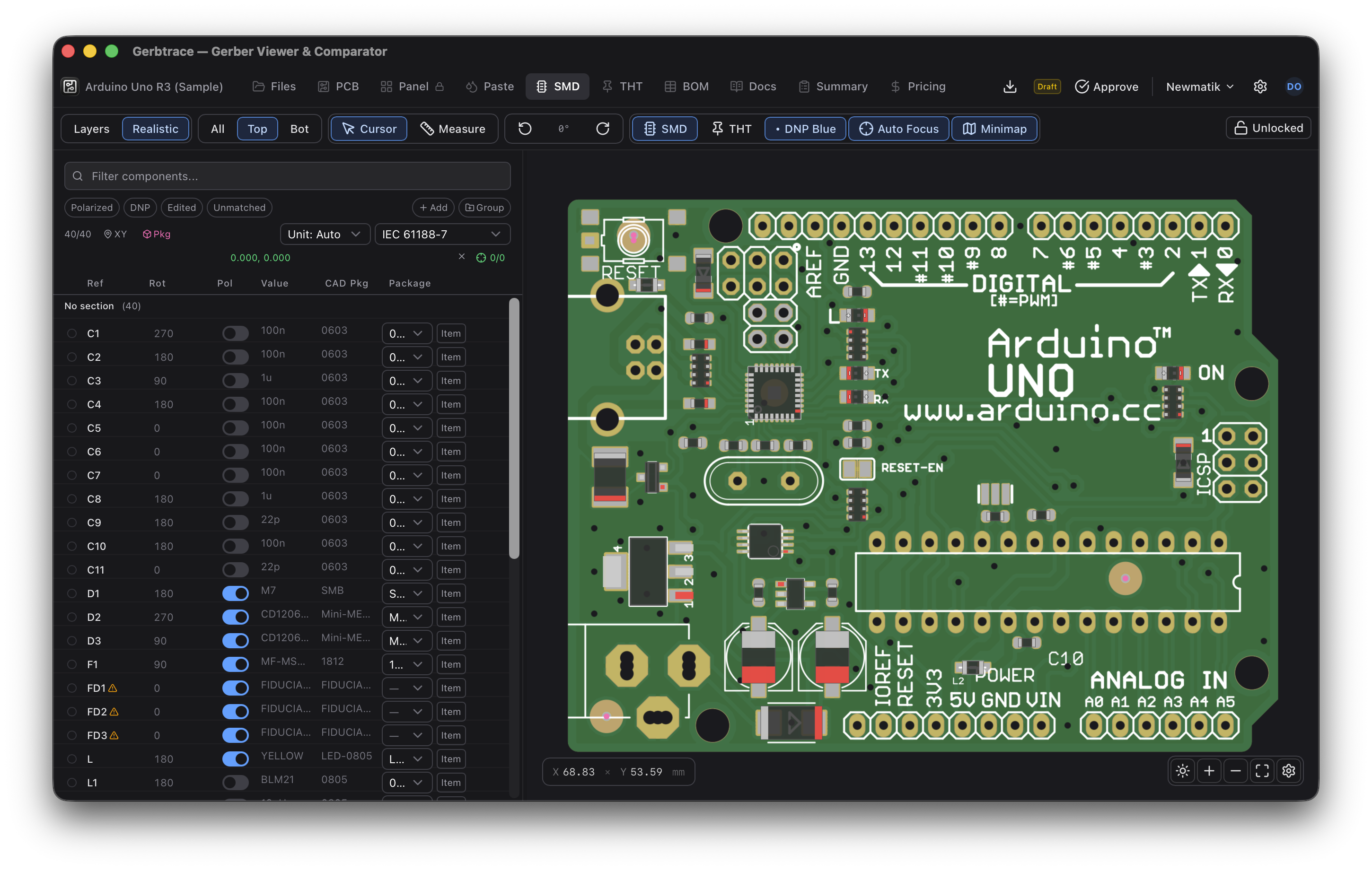
Switching themes
Open the Settings menu (gear icon in the header) and click Light Mode or Dark Mode to toggle.
The theme applies instantly to the entire interface, including the sidebar, toolbar, dialogs, and navigation. The canvas background can be controlled separately using the background toggle in the canvas toolbar.
Canvas background
Independent of the interface theme, the canvas has its own background toggle. Click the sun/moon icon in the bottom-left canvas toolbar to switch between a dark and light canvas background. A light canvas background can be useful for inspecting certain layer combinations regardless of the interface theme.
Persistence
Your theme preference is saved in local storage and persists across sessions and page reloads.